
Amazon
Paste an Amazon product URL into a MESA step to scrape the page content into variables, and see what the data-not-found error means.
Configure
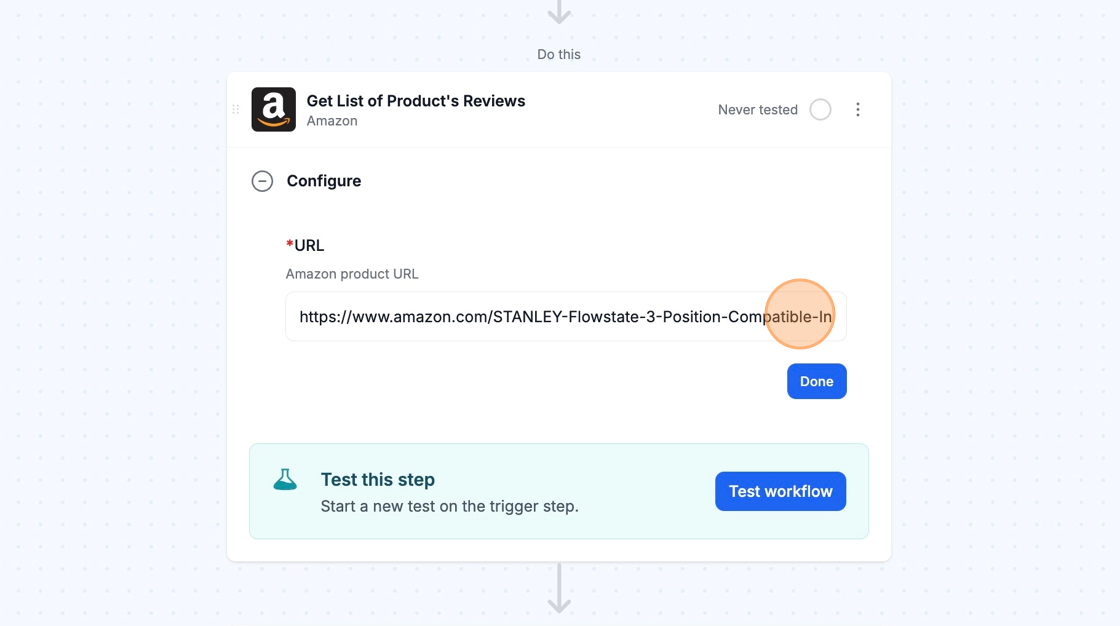
Section titled “Configure”To configure an Amazon action, you simply need to copy and paste the Amazon URL that you would like to extract the content from into the URL field of the step.
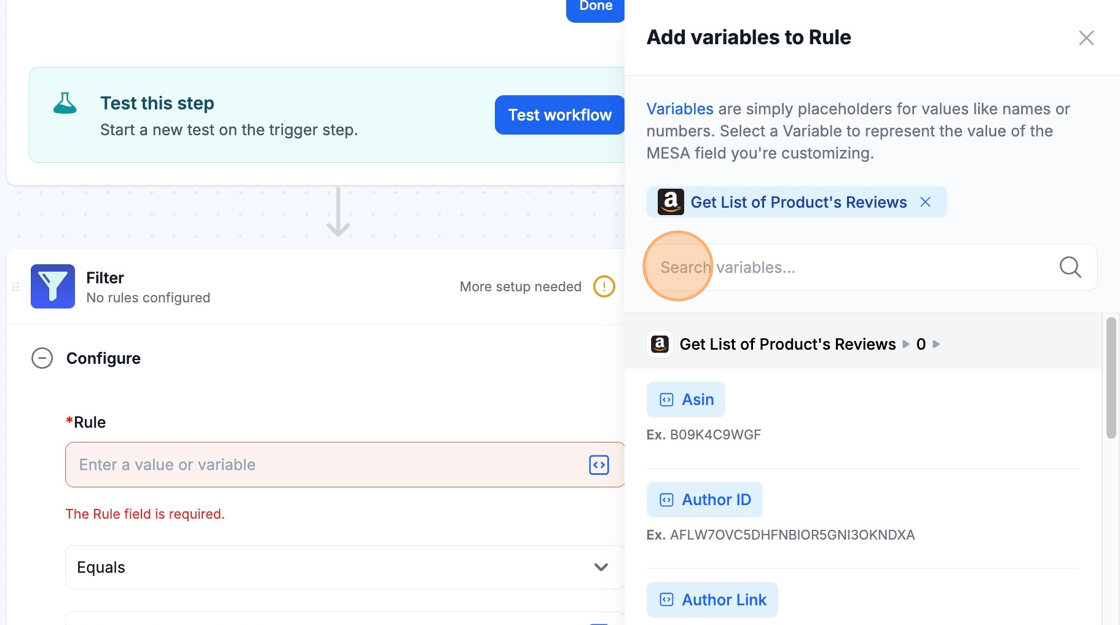
The content of the webpage will be available as variables via the variable selector in future steps.
Technical Notes
Section titled “Technical Notes”- We retrieve the webpage data through scraping, which means we make multiple attempts to extract the information. If we’re unable to get the data, we return the following error message: “Data not found. Please try again with a different URL.”
This error may appear if the data couldn’t be located or if the URL is invalid.