Dashboard
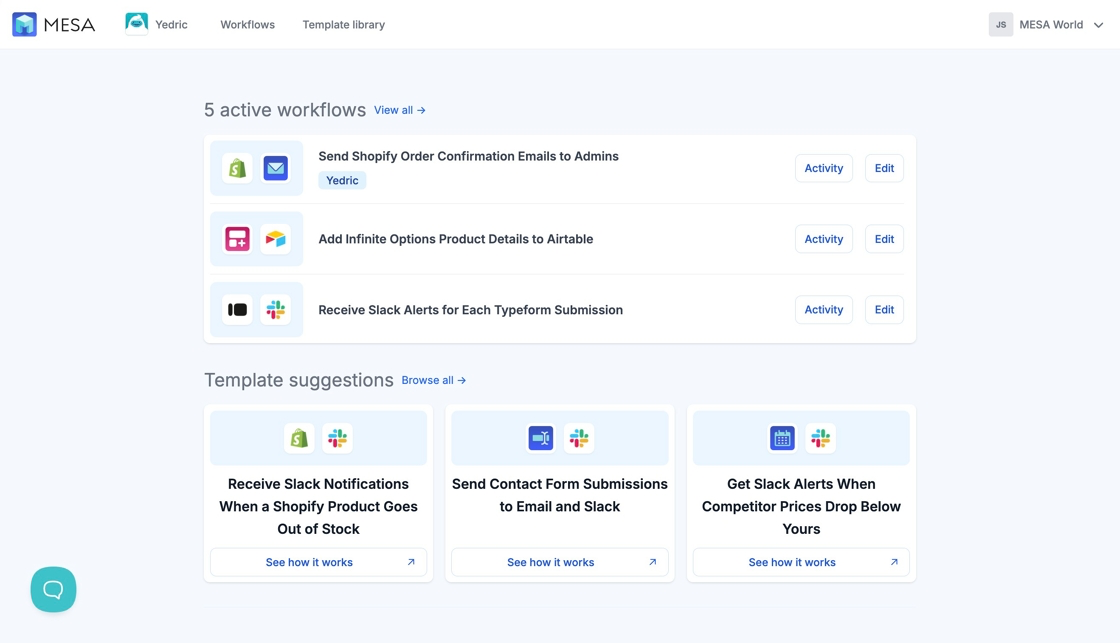
Tour the MESA dashboard you land on after installing, with an overview of active workflows, template suggestions and handy links to get you automating.
Once you’ve successfully installed MESA, you’ll be directed to your Dashboard page.
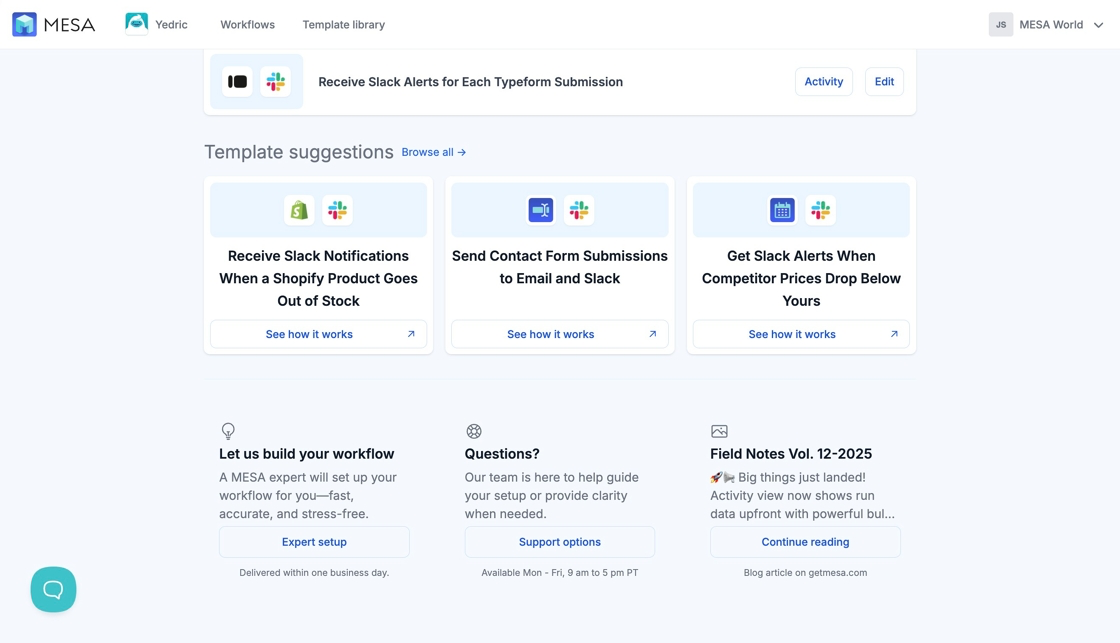
Here, you’ll find an overview of your active workflows and template suggestions to help get you automating. If you navigate away from this page, you may return by selecting the MESA icon at the top left of your screen.
Additionally, at the bottom of your dashboard, you’ll find a section for getting started with our Expert Workflow Setup service, our support links, and informative blog articles on www.getmesa.com