
Shopify
Connect your Shopify store to MESA and learn how to configure triggers and actions, including retrieving data after a Delay step.
Connection
Section titled “Connection”If you don’t already have a Shopify connection created, enter your Shopify Store ID and click Add connection.
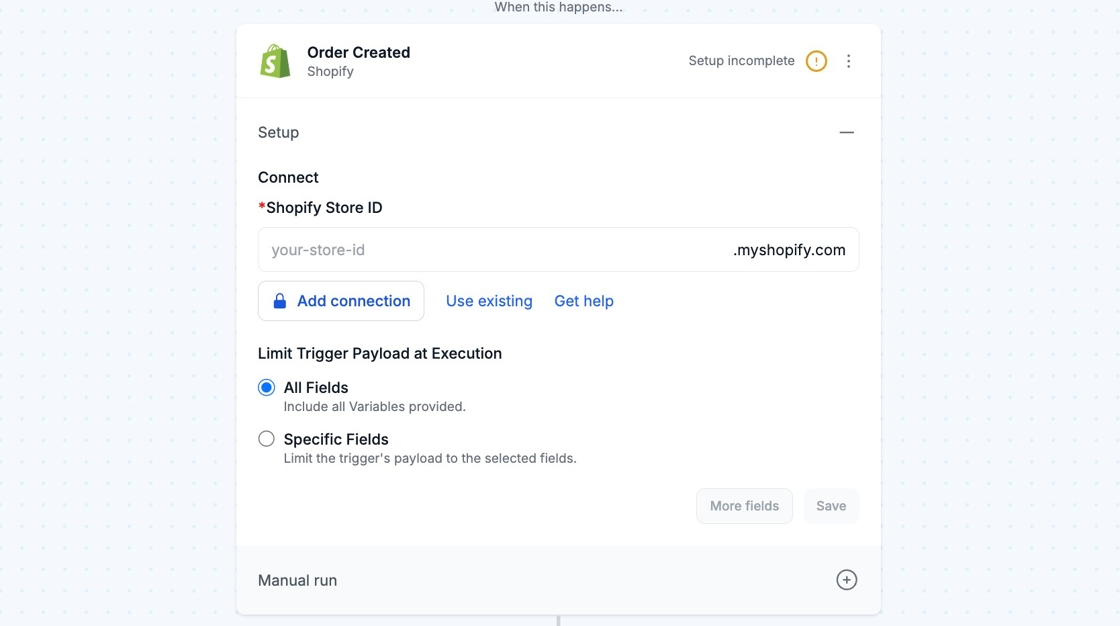
See the Shopify Plus app for authenticating Plus-only API’s.
Configure
Section titled “Configure”Retrieving Shopify Data After a Delay Step
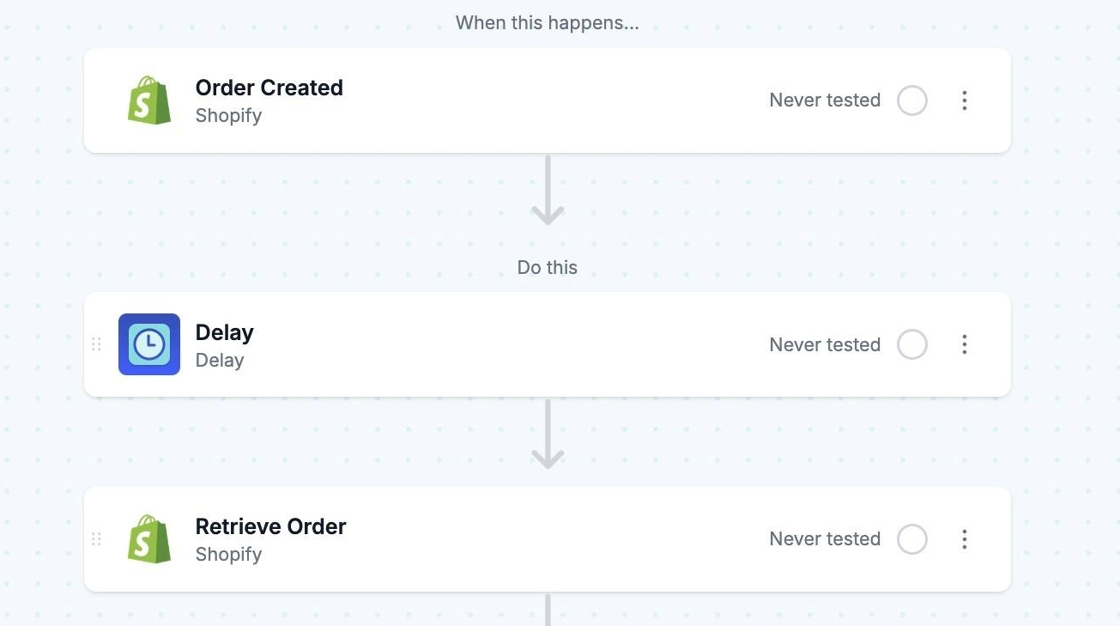
Section titled “Retrieving Shopify Data After a Delay Step”When using a Delay step in your workflow your Shopify data may be altered or updated while the delay processes. Add a Shopify Retrieve action after a delay step to ensure you’re referencing the most up-to-date information for the endpoint you’re working with.
This would be beneficial whenever you use a Delay step while working with endpoints like Shopify Customers, Orders, Products, or Metafields.
In this section
Technical NotesBrowse MESA's technical notes for the Shopify connector, covering payloads, search filters, error codes, trigger frequency and known API limits.