Shopify Retail POS
Authorize Shopify Retail POS with your Store ID to start MESA workflows when a POS order is created and to fetch POS orders.
Connection
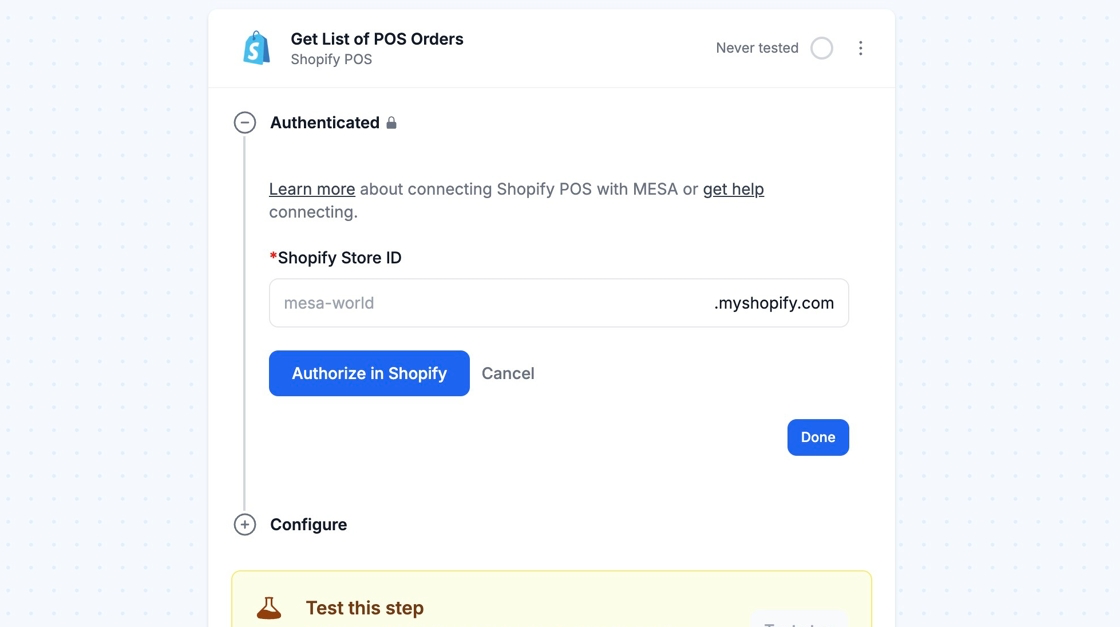
Section titled “Connection”If you don’t already have a Shopify Retail POS connection created, enter your Shopify Store ID and click Authorize in Shopify.
Configure
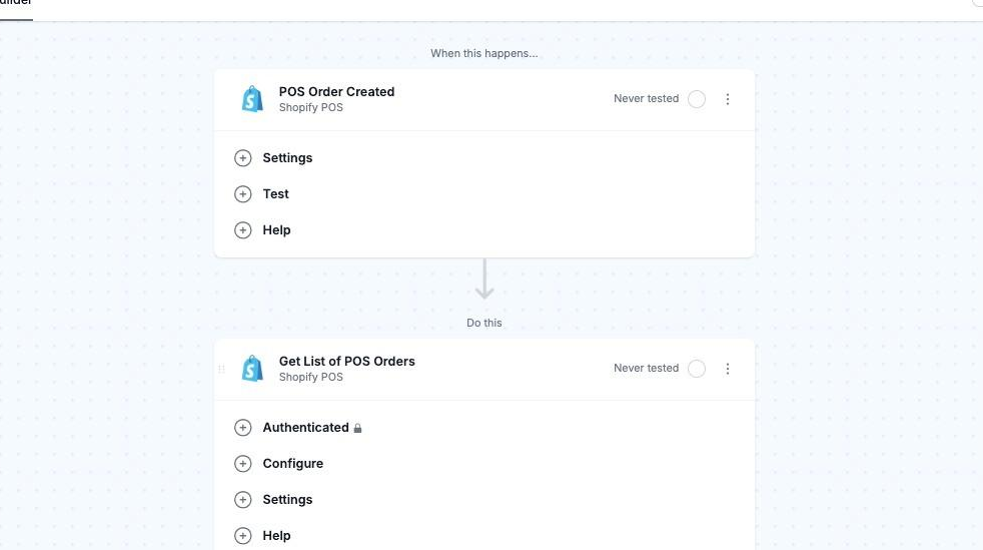
Section titled “Configure”The Shopify Retail POS app allows you to trigger a MESA workflow whenever a POS order is created and get a list of existing POS orders from your Shopify store.
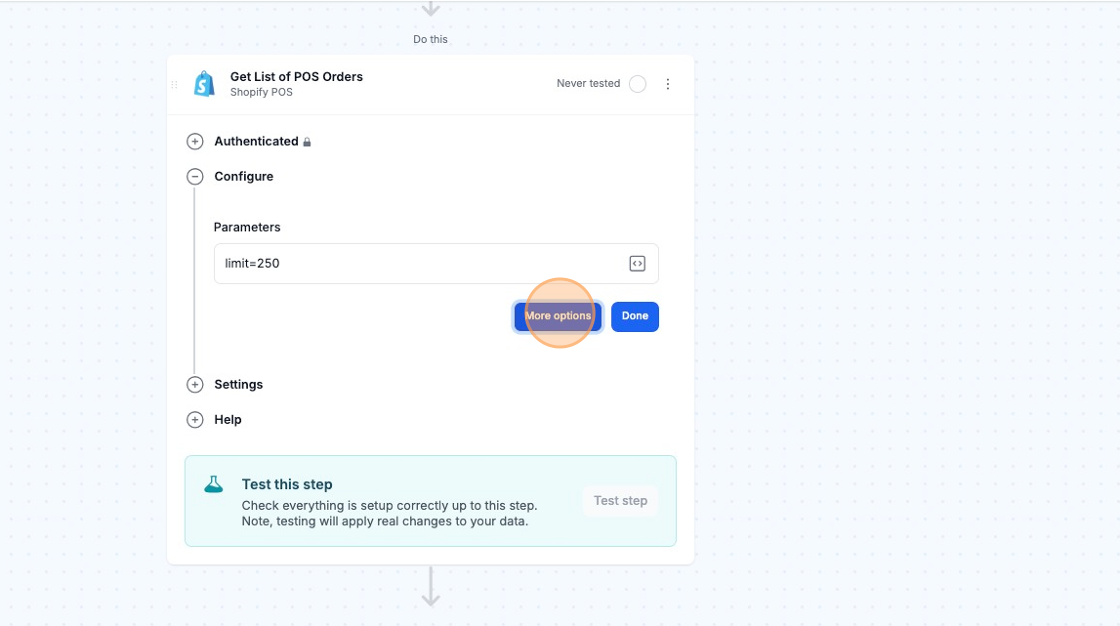
The Get List of POS Orders action will only grab 50 orders by default. If you select the “Parameters” checkbox under More options, you can increase this limit up to 250.