
Yotpo
Find your Yotpo App Key and Secret under API Credentials and add them to MESA to use review triggers and actions in workflows.
Connection
Section titled “Connection”When you’re setting up your first workflow with Yotpo, you’ll need to add your Yotpo account App Key and API Secret so that Yotpo is a connected app within MESA.
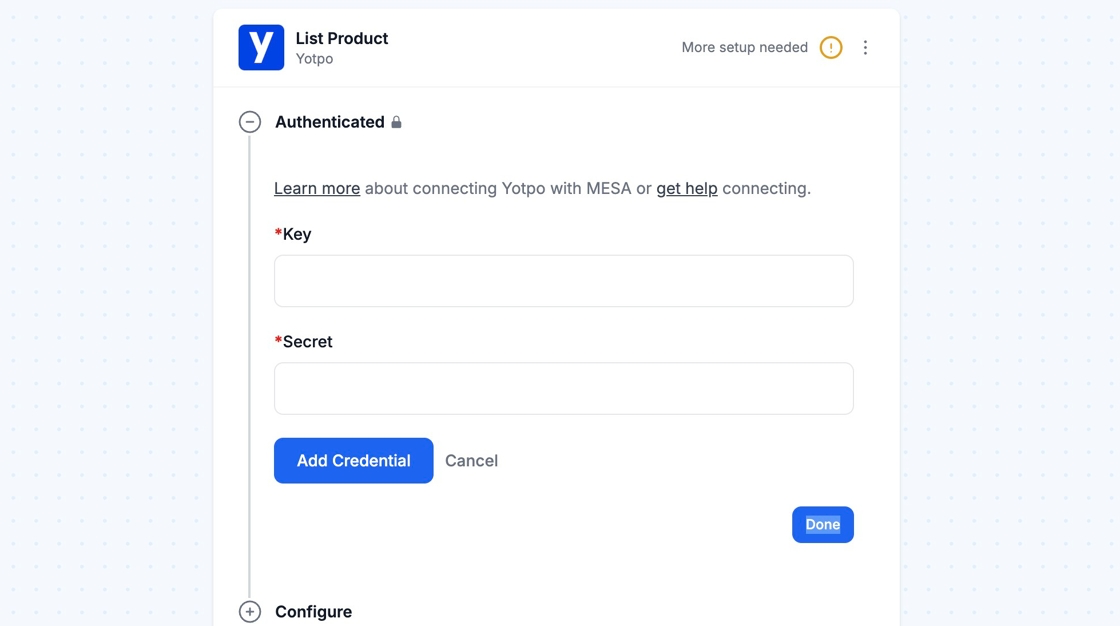
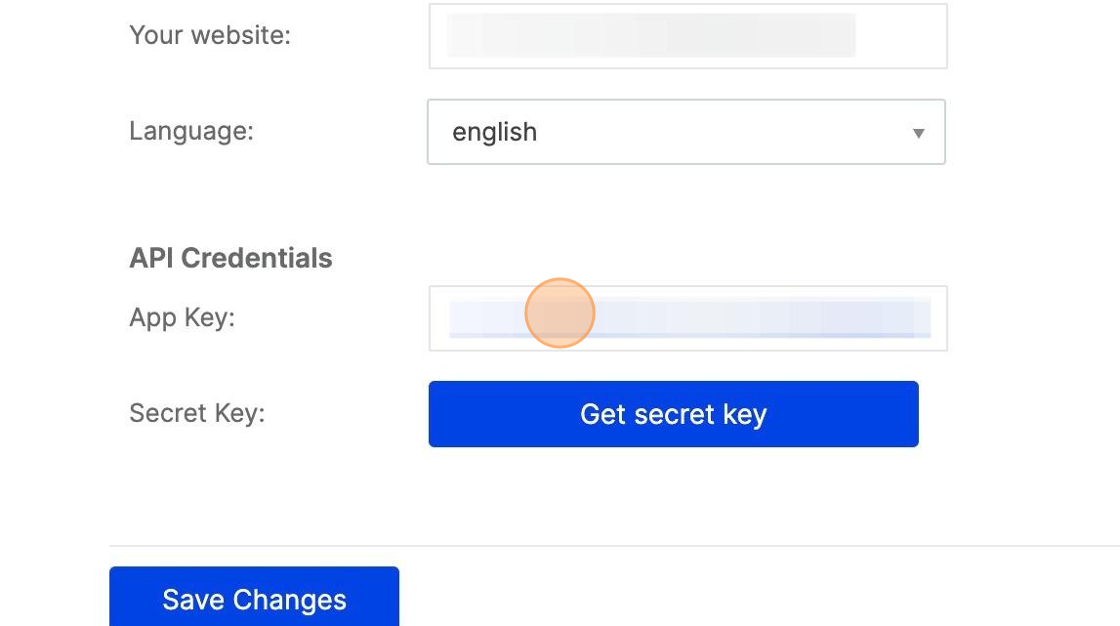
You can find both Key and Secret under your Yotpo Account > General Settings > API Credentials, as App Key and Secret Key.
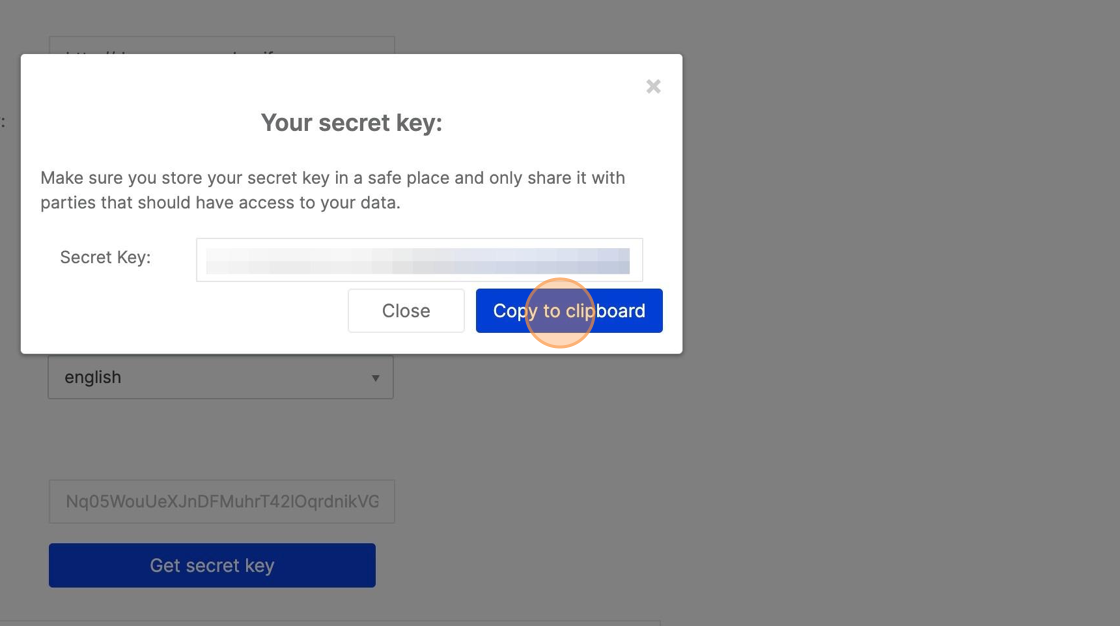
Add the Key and Secret and click on Add Connection in MESA.