
How to Find a Specific Record in the Manual Run Menu
Search Shopify customer, product, order and inventory level records by specific fields in the MESA Manual Run menu when they do not appear.
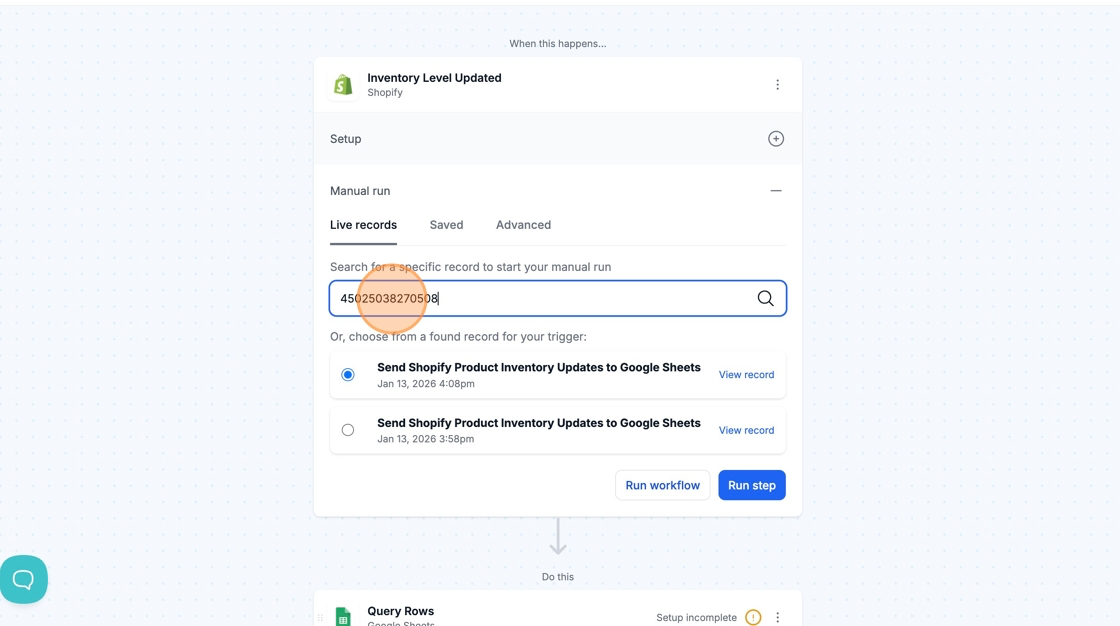
In the Manual Run menu of your Shopify trigger, you can search for Customer, Product, Order, and Inventory Level records by specific fields if they do not populate by default.
| Type of trigger | Fields to search by |
|---|---|
| Customer | phone, email, id |
| Product | title, handle, id |
| Order | name, email, id |
| Inventory Level Updated | inventory item id, location id |