Delay
Pause a MESA workflow for minutes, hours, days, weeks or months with the Delay tool, and check the minimum delay allowed on your billing plan.
The Delay tool allows you to delay or pause your workflow before it can proceed to the next action. Delays can be used after a trigger has occurred.
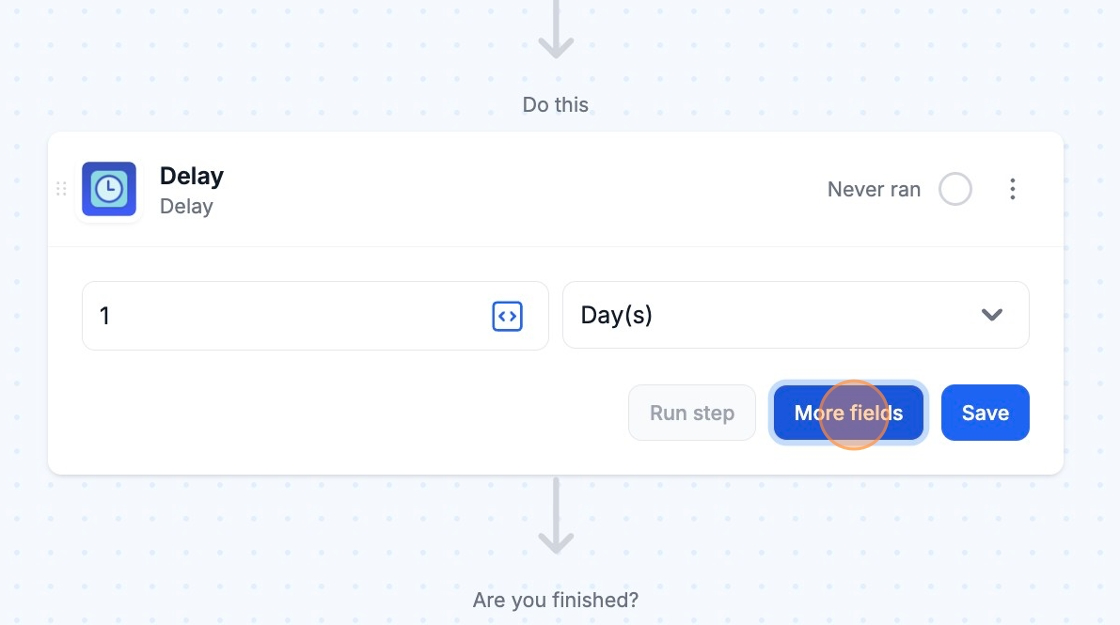
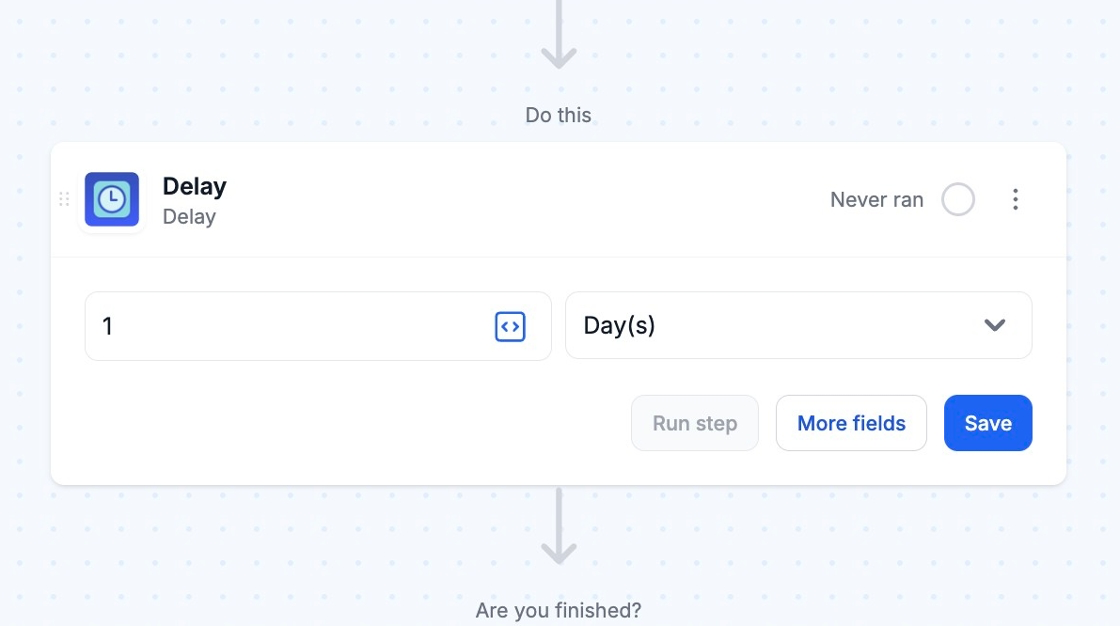
You can insert a number and select from Minute(s), Hours(s), Day(s), Week(s), or Month(s).
Advanced Settings
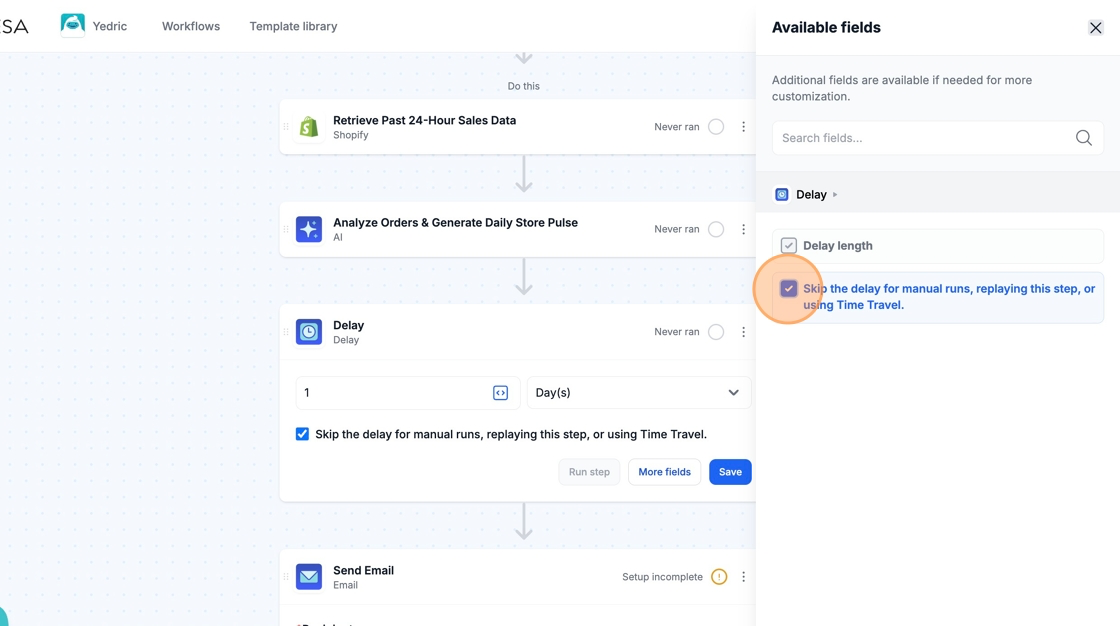
Section titled “Advanced Settings”By selecting More fields, you can choose to skip the Delay step entirely so that the workflow runs for any manual runs, step replays, or Time Travels. If you are conducting a manual run, this is recommended so you don’t have to wait until the workflow continues.