
Linear
Sign in with Linear and approve MESA to connect your workspace, then create and update Linear issues from your Shopify workflows.
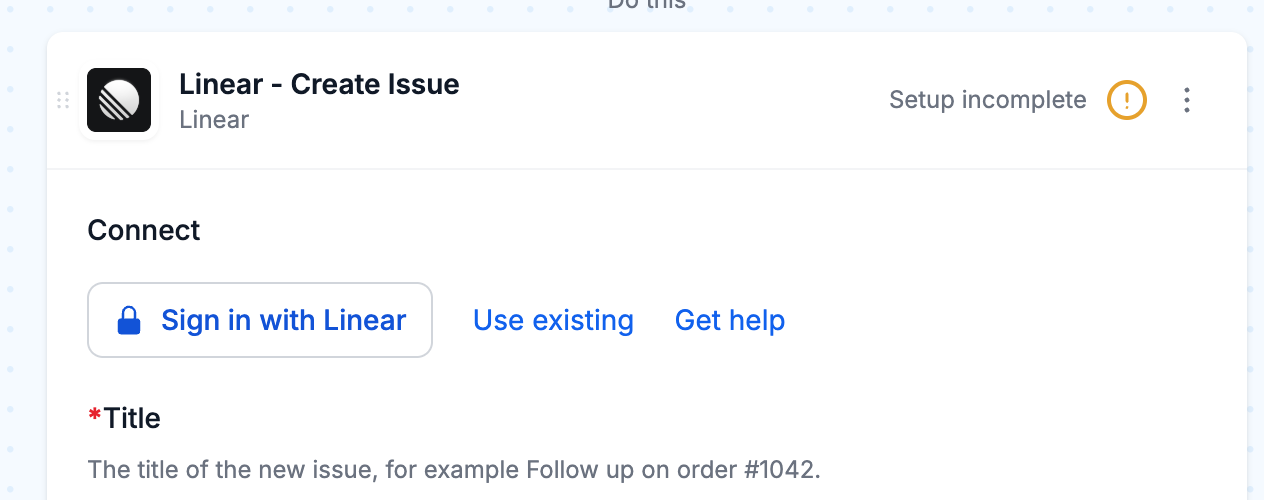
Connection
Section titled “Connection”When you’re setting up your first workflow with Linear, you will need to create a Connection in order to connect MESA with Linear.
- In your Linear step, click Sign in with Linear.
- In the Linear window that opens, approve MESA.
After that, choose the same connection in any Linear step. To connect another Linear workspace, open the connection menu and click Add another connection.
When a step needs more access than your connection has, MESA asks you to sign in again.
Configure
Section titled “Configure”Triggers
Section titled “Triggers”Linear triggers start your workflow when something happens in Linear. Choose the team to watch from the Team dropdown.
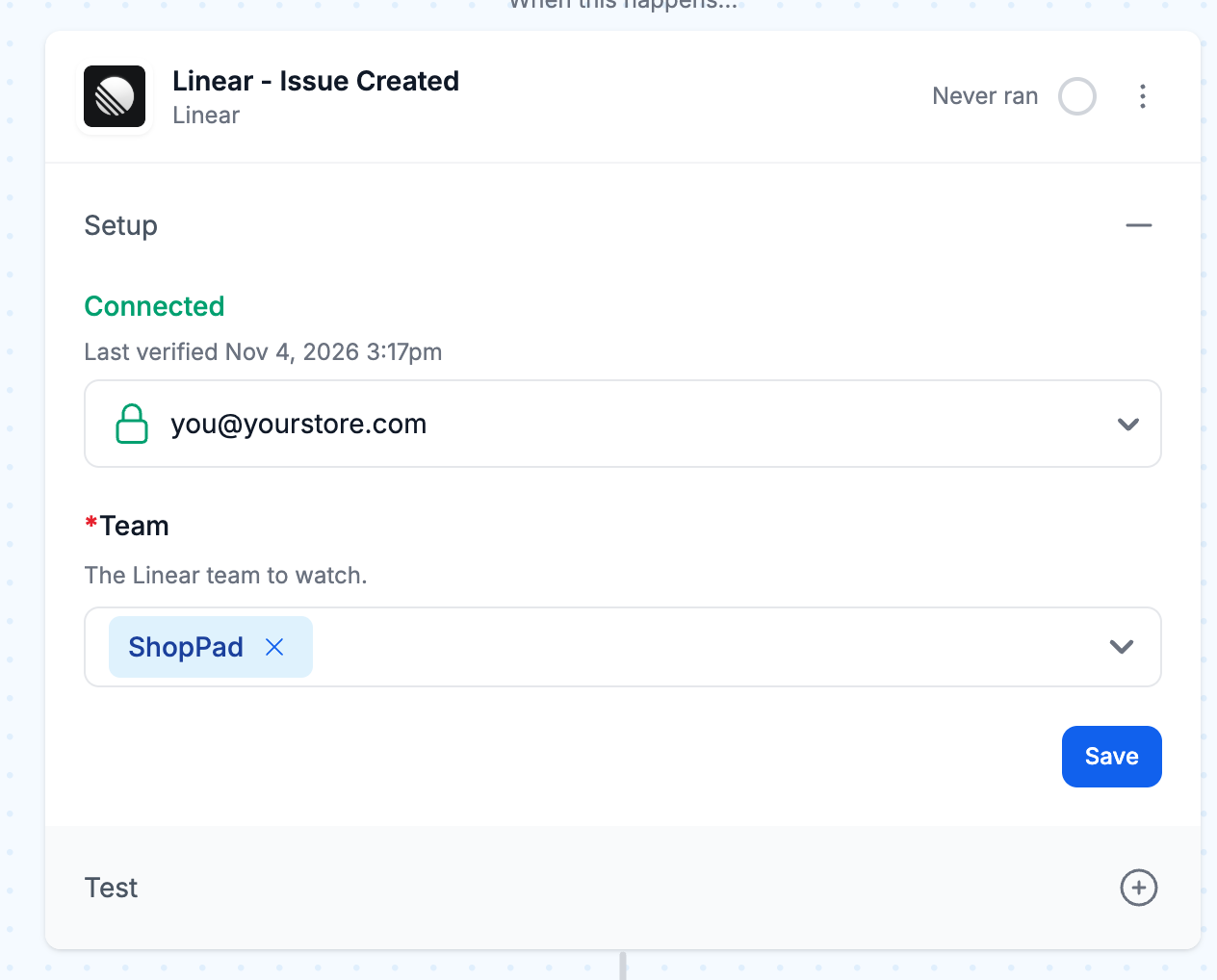
The Issue Created, Issue Updated and Comment Received triggers start your workflow as soon as the change happens.
The Issue Created (Private Teams), Issue Properties Updated (Private Teams), Comment Created (Private Teams), Project Created, Project Properties Updated and Project Update Posted triggers check Linear on a schedule, every hour by default. You can change how often under Repeats.
Actions
Section titled “Actions”Linear steps create and update issues, projects, comments, labels and teams, and look up teams, people, cycles and workflow states. Fields such as Team, Labels and Assignee are dropdowns that list what is in your Linear workspace, so you never need to look up an ID.
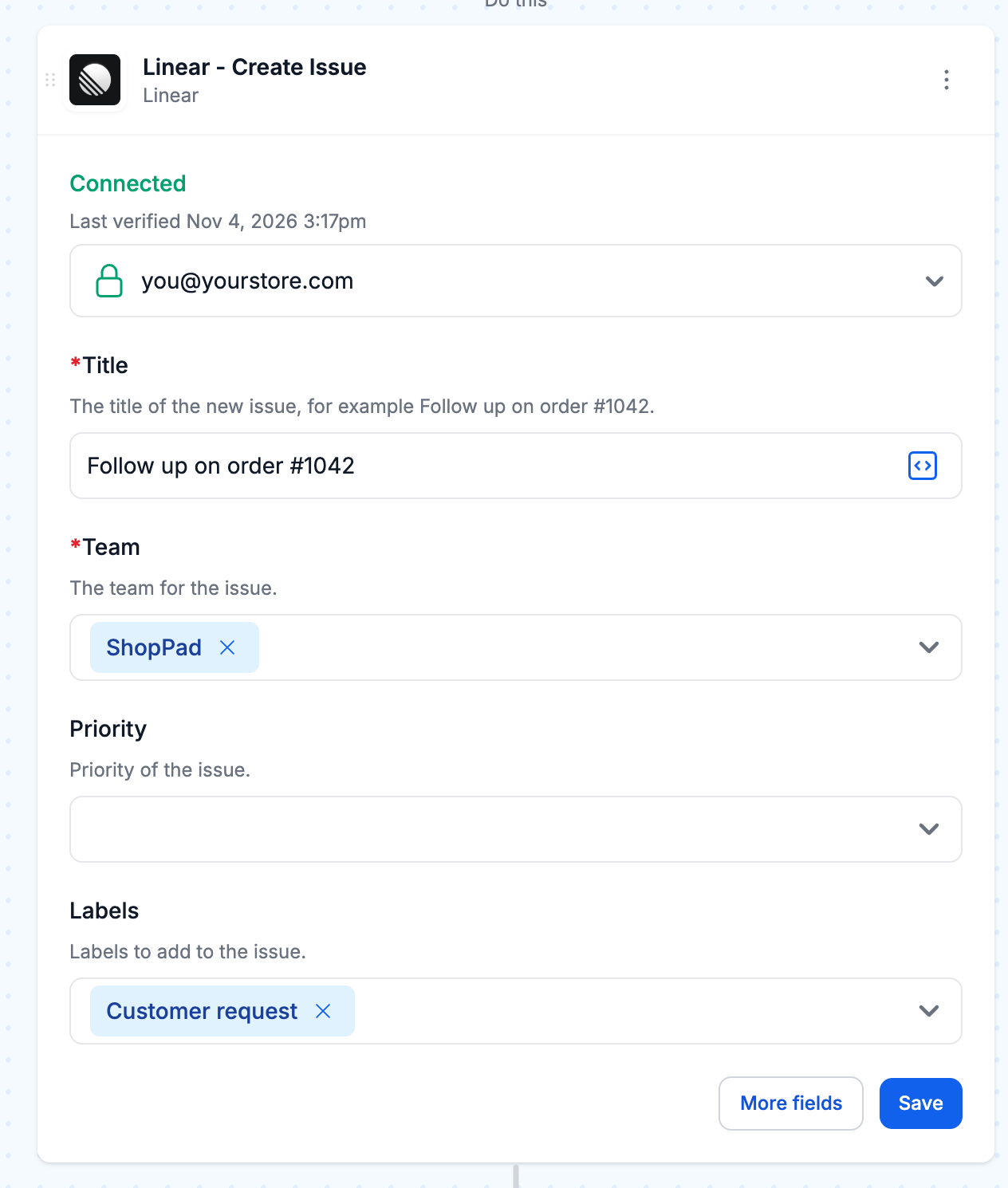
To fill a field with data from an earlier step, such as an order number, use MESA’s Variables feature.
Technical Notes
Section titled “Technical Notes”- On free plans and trials, Linear trigger events count toward a monthly limit of 1,000. Once a shop reaches it, MESA skips new events until the limit resets, and the workflow shows “Skipping events - plan limit reached”. Paid plans have no limit.
- The Private Teams and Project triggers check Linear on a schedule, so a change shows up in MESA at the next check. Each check picks up everything that changed since the one before.