
Configuring Your Payload
Add metafield namespaces to Shopify trigger data in MESA and limit what each trigger returns so your workflow payload contains what you need.
Metafield Namespaces
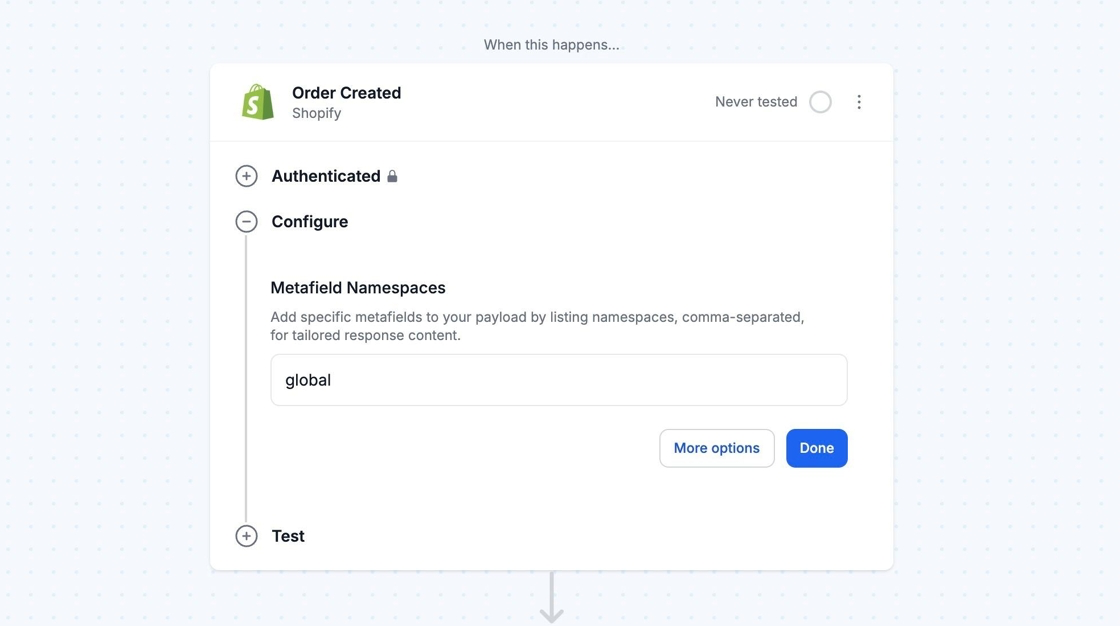
Section titled “Metafield Namespaces”By default, Shopify trigger data excludes metafield information. Use MESA’s Metafield Namespaces feature to add metafield data to your workflow’s trigger data.
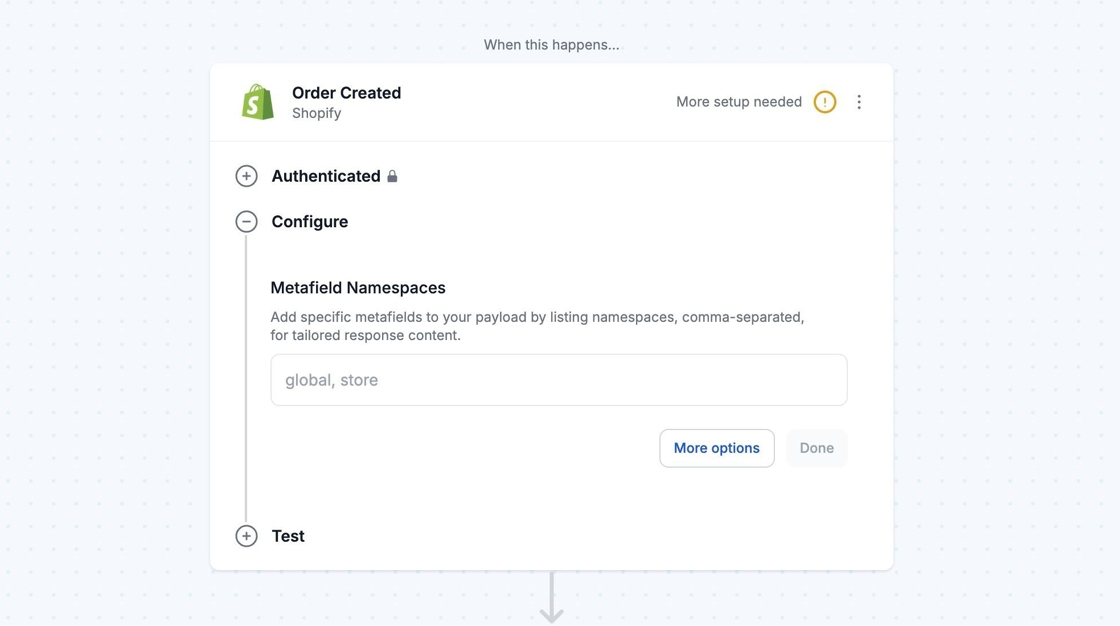
For example, to include global metafields, you will need to include the “global” namespace.
Limit Trigger Payload at Execution
Section titled “Limit Trigger Payload at Execution”This feature lets you reduce the data included in the trigger payload. Selecting fields from the dropdown limits the payload to only those values from Shopify. This helps minimize unnecessary activity and optimize queries for efficiency. To filter for specific data, use a Filter step after the trigger step instead.
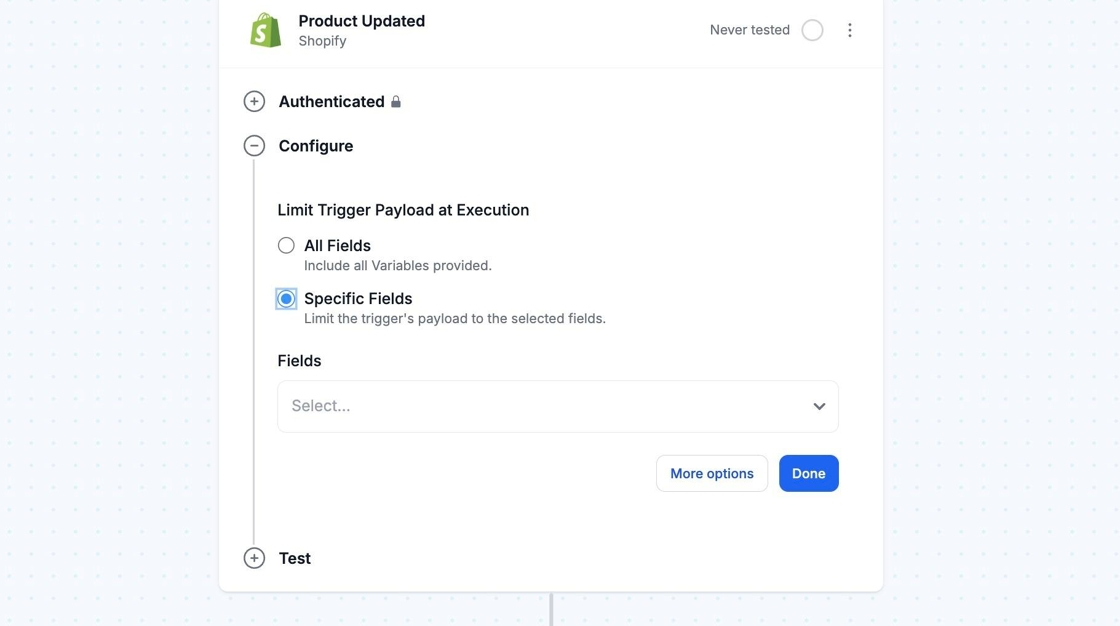
Using the Limit Trigger Payload at Execution feature won’t limit what you see in MESA’s Testing and Variables features. All data and variables will still appear.