
Infinite Options
Use the Infinite Options Order Created trigger in MESA to start workflows from orders that carry Infinite Options product option data.
Connection
Section titled “Connection”Your Shopify store’s connection will automatically be selected when adding the Infinite Options trigger.
Ensure the Infinite Options app is installed on your Shopify store before using any steps that rely on it.
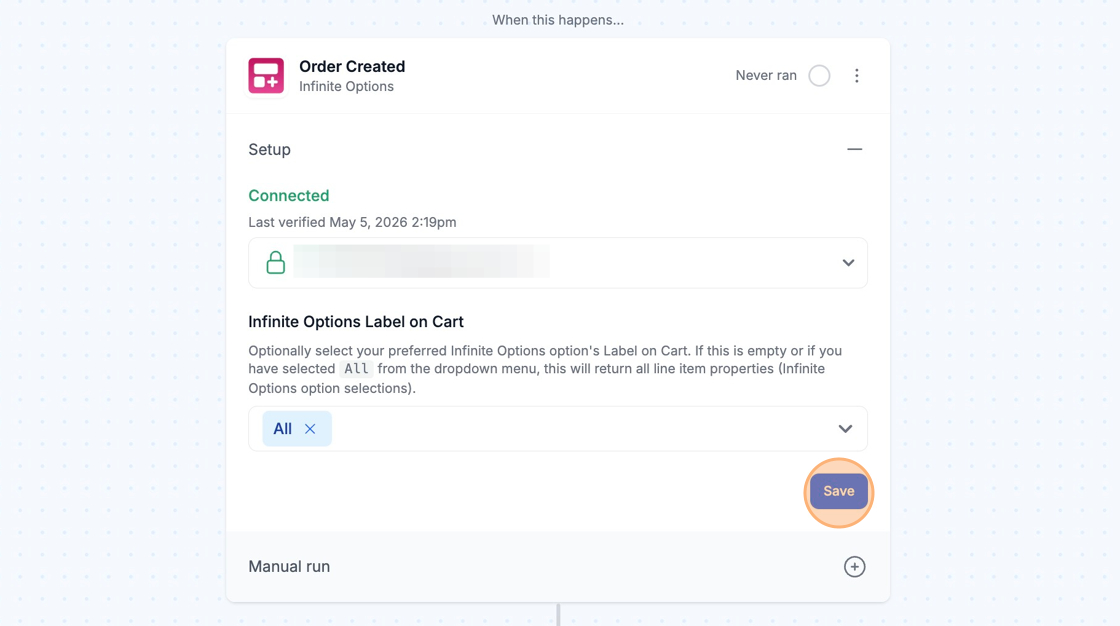
Configure
Section titled “Configure”
Infinite Options Order Created Trigger
Section titled “Infinite Options Order Created Trigger”The Infinite Options trigger will run when an order is received with a matching “Label on Cart” value found on the order.
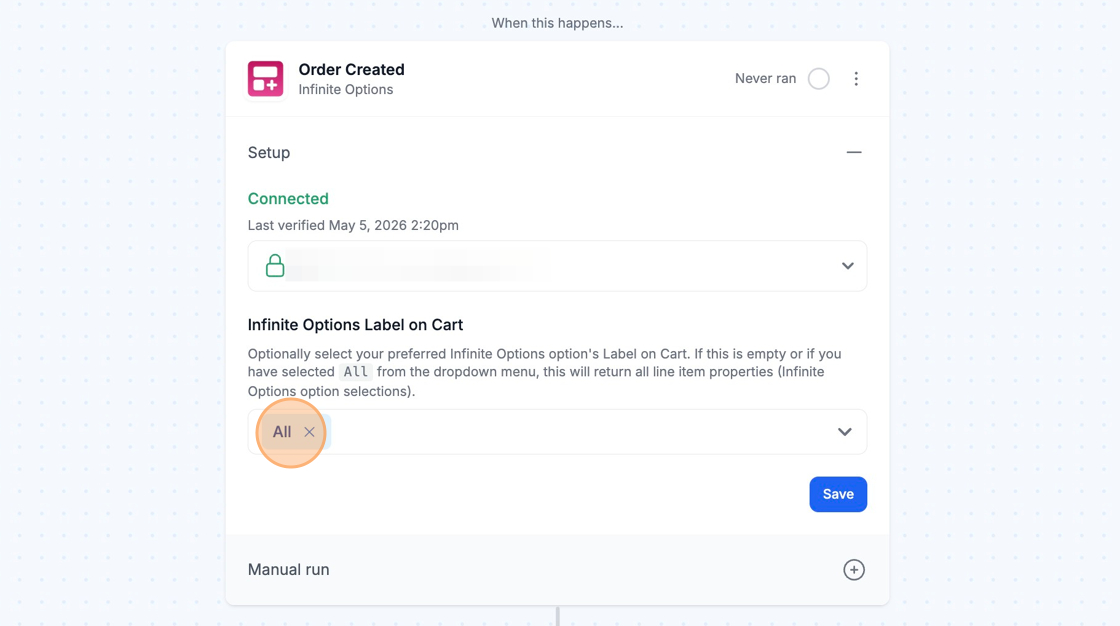
If the Infinite Options “Label on Cart” field in your trigger is left empty, or if you have selected “All,” all line-item properties from Infinite Options attached to the order will be returned.
Optionally, select the “Label on Cart” for a specific Infinite Options field to trigger the workflow only when that option is selected.
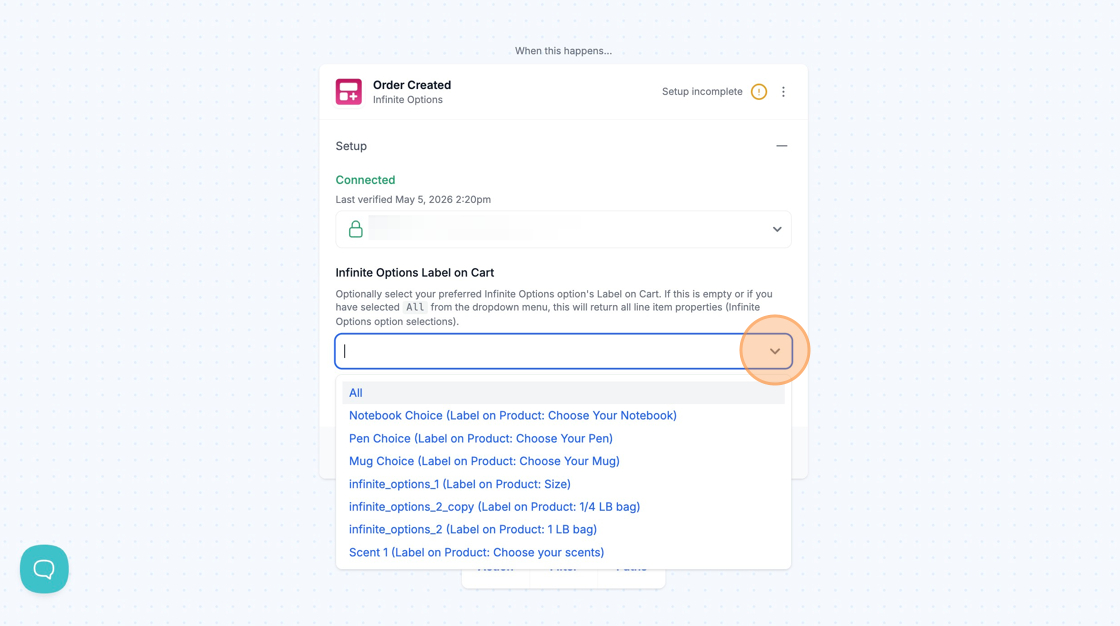
Technical Notes
Section titled “Technical Notes”- If you change option sets in Infinite Options, your workflow must also be updated.
- For example, any variables used in your workflow related to Infinite Options’ fields will need to be updated and saved.
- The manual run interface will display only orders with matching Infinite Options “Label on Cart” values.
- If you need to export old orders with option selections, you can use our Time Travel feature in the Activity of the workflow.