
Page Studio
Authorize Page Studio with your Shopify Store ID in MESA, and fix workflows that do not activate after you update a page in Page Studio.
Connection
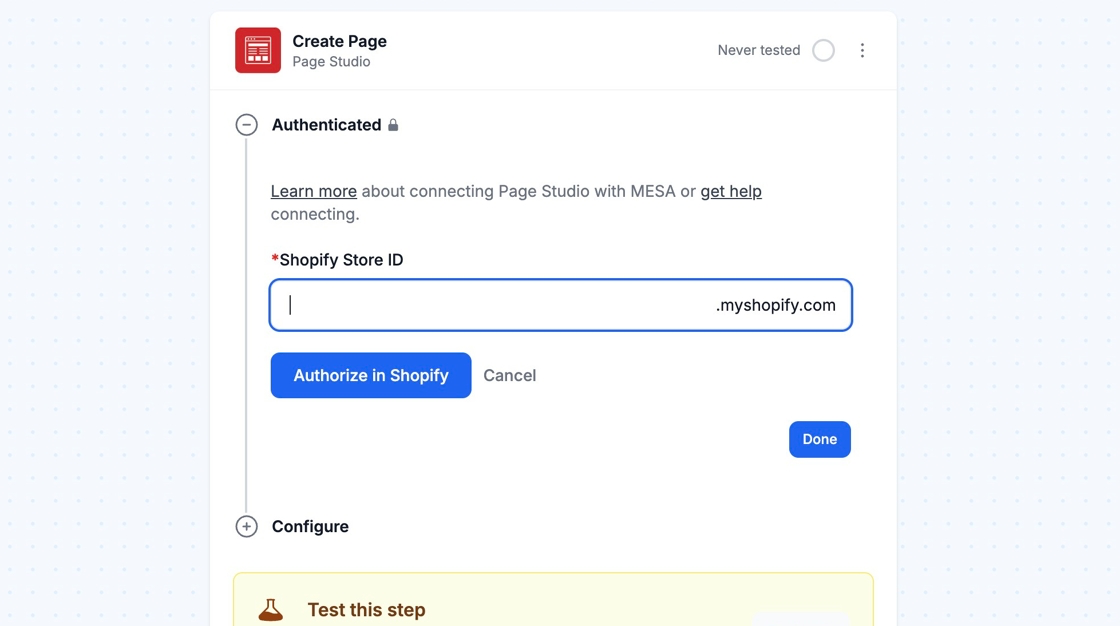
Section titled “Connection”If you don’t already have a Page Studio connection created, enter your Shopify Store ID and click Authorize in Shopify.
Configure
Section titled “Configure”
I don’t see my Page Studio workflow activating when I update something in Page Studio?
Section titled “I don’t see my Page Studio workflow activating when I update something in Page Studio?”MESA workflows that contain Page Studio Triggers (such as Page Created and Page Updated) will run on a polling system. Meaning, on every hour or whatever the selected frequency is selected in your MESA workflow, MESA will look for any recent activity in Page Studio. As a result, you may not see immediate activity in your MESA workflow until the frequency hits.
Once the frequency hits, MESA will process every single task that has accrued within the previous timeframe.