IPDetective
Copy your API key from your IPDetective account and add it as a MESA connection to check visitor IPs for bots and proxies.
Connection
Section titled “Connection”When you’re setting up your first workflow with IPDetective, you will need to locate your IPDetective API Key.
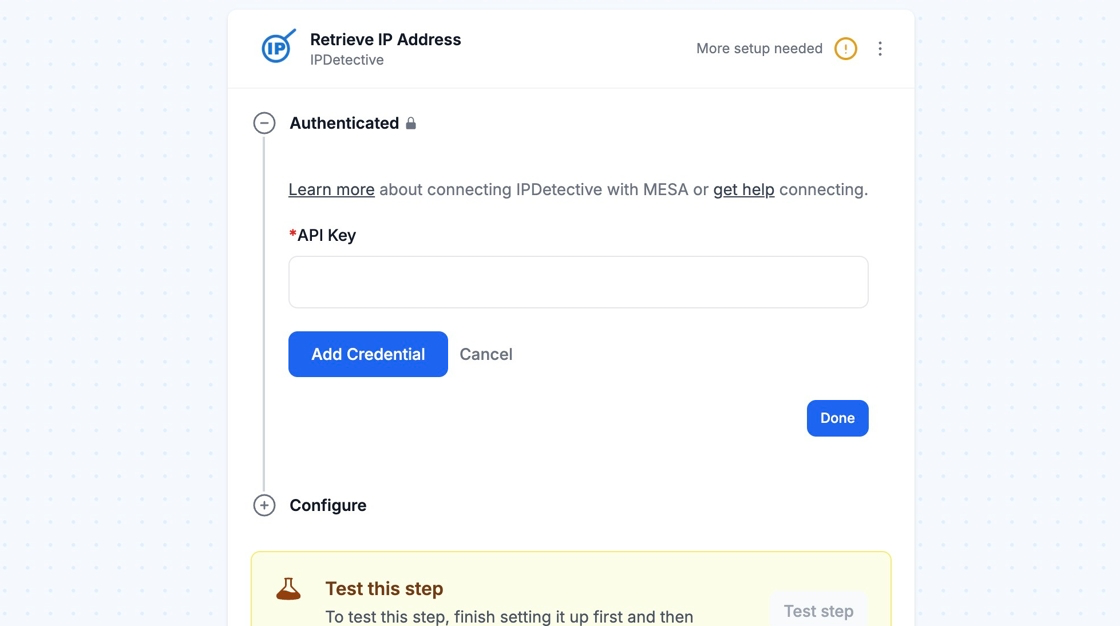
To get started, login into your account: https://ipdetective.io/account
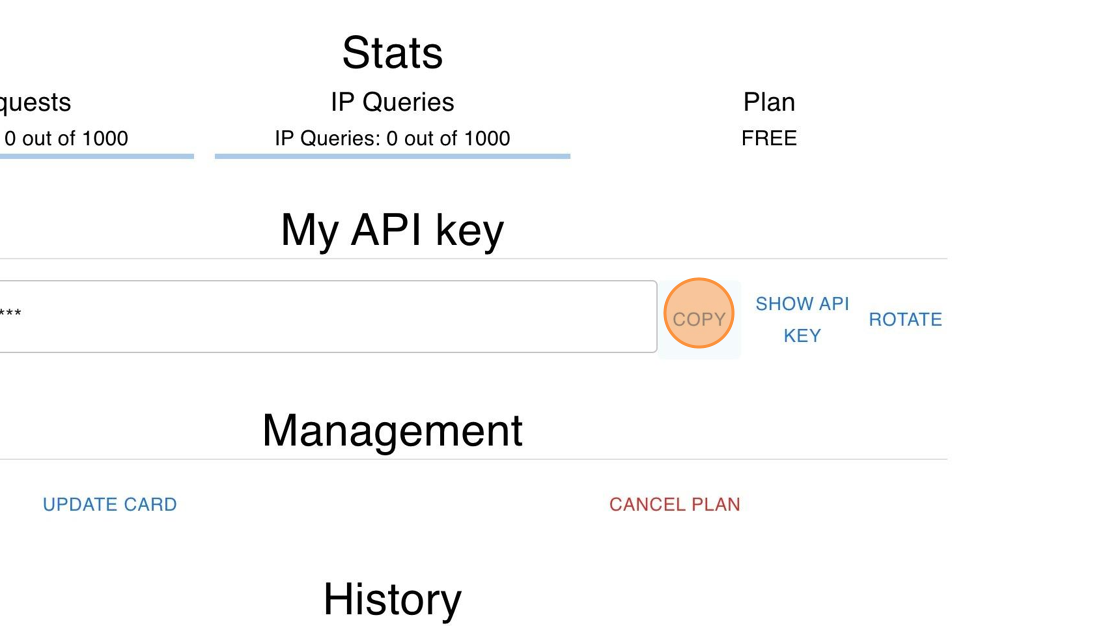
Under the My API key heading, click on COPY next to your API Key.
Lastly, click on Add Connection and then you are all set! MESA is now connected with IPDetective.
Configure
Section titled “Configure”
How to tell if an IP address is most likely a bot or
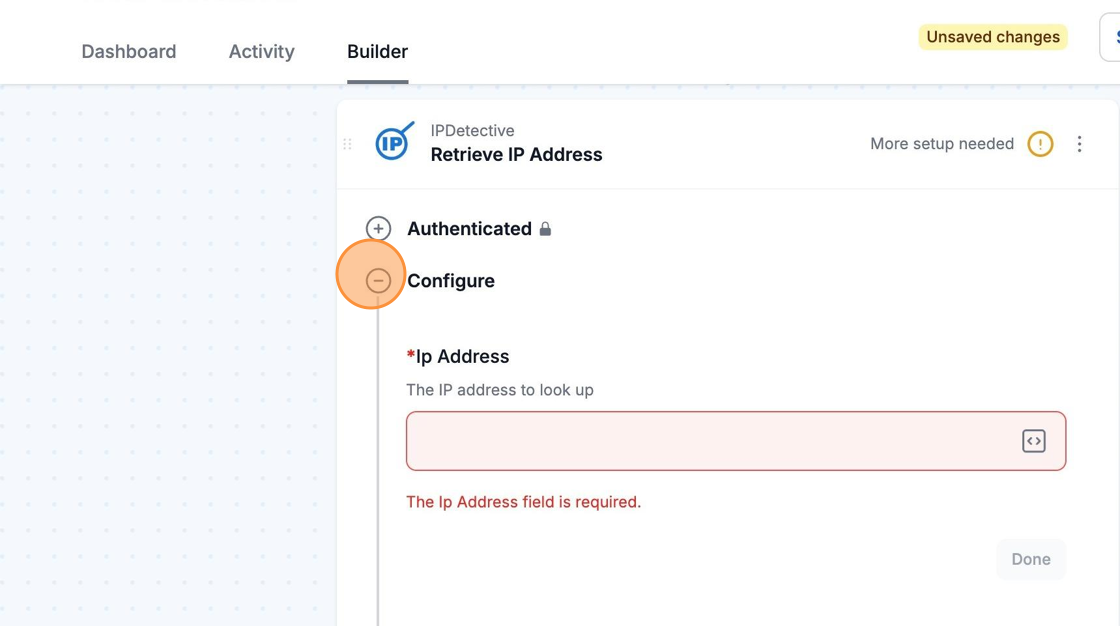
Section titled “How to tell if an IP address is most likely a bot or”When you select configure to enter an Ip Address into the Retrieve IP Address step, IPDetective will tell you whether the IP address is most likely a bot or not.
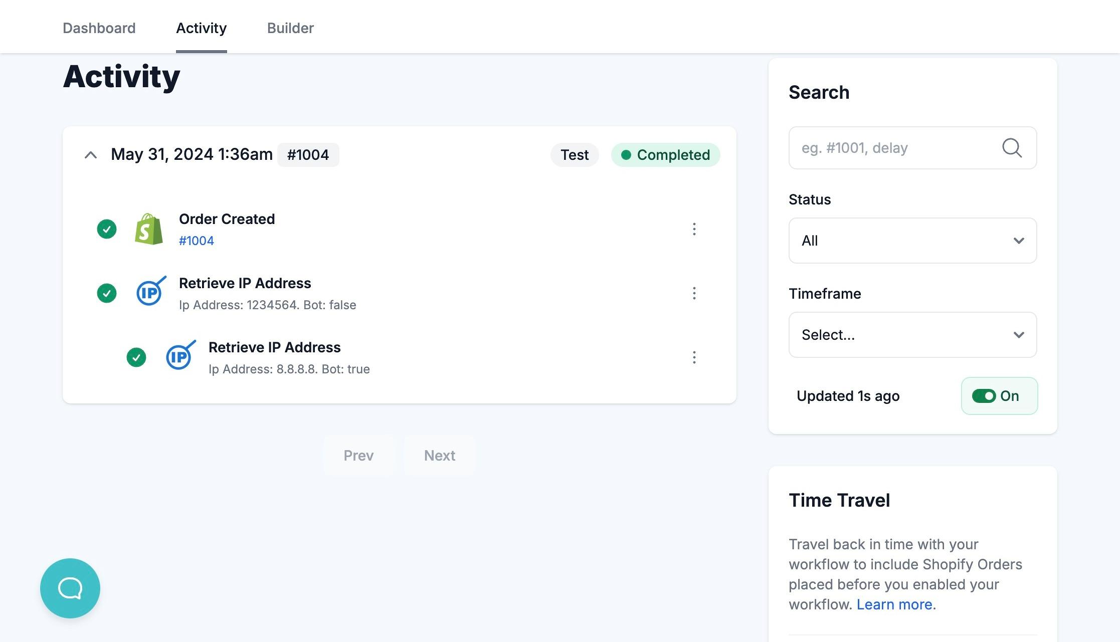
When the workflow runs and if you see Bot: true in the Activity tab, then the IP Address is most likely a bot.
If you see Bot: false, then the. IP Address is most likely not a bot.