
Google Docs
Connect Google Docs to MESA with a Google sign in and use Google Docs steps in workflows to create and fill in documents.
Connection
Section titled “Connection”When you’re setting up your first workflow with Google Docs, you’ll need to create a connection through MESA’s Google App or your own custom Google App. Click on the Sign in with Google button to finish the process.
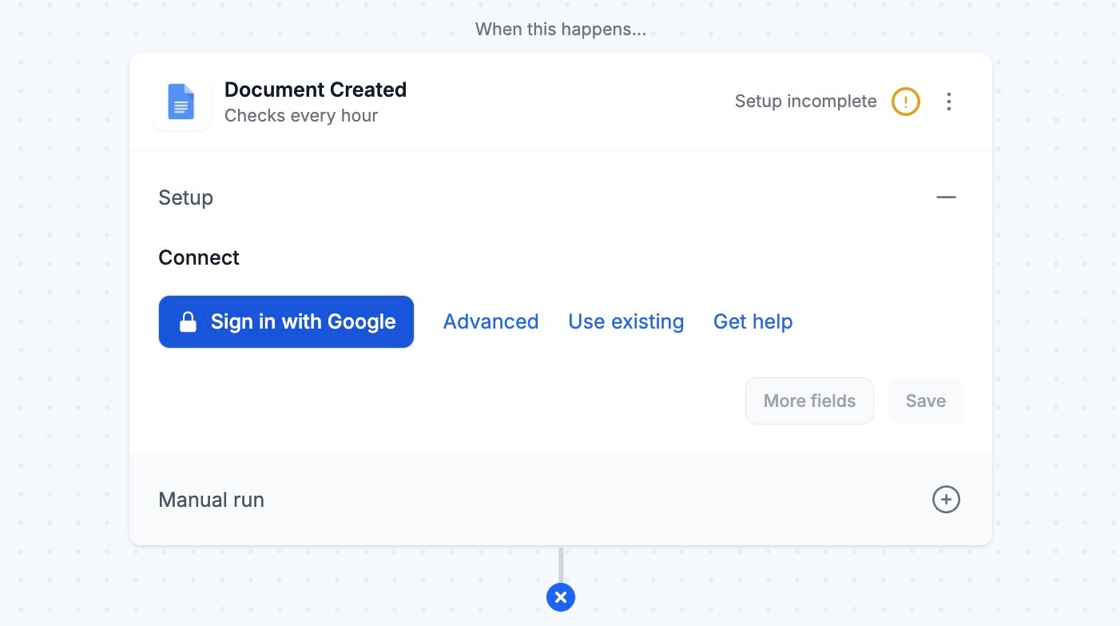
Afterward, you can re-use the newly created connection and select it for your future workflows!