
Fera.ai
Connect Fera.ai to MESA by adding your account and authorizing access, then use Fera triggers and actions in your review workflows.
Connect Fera.ai with MESA
Section titled “Connect Fera.ai with MESA”When you’re setting up your first workflow with Fera.ai, you will need to connect Fera.ai with MESA. Click Add Account, then select Connect with Fera.
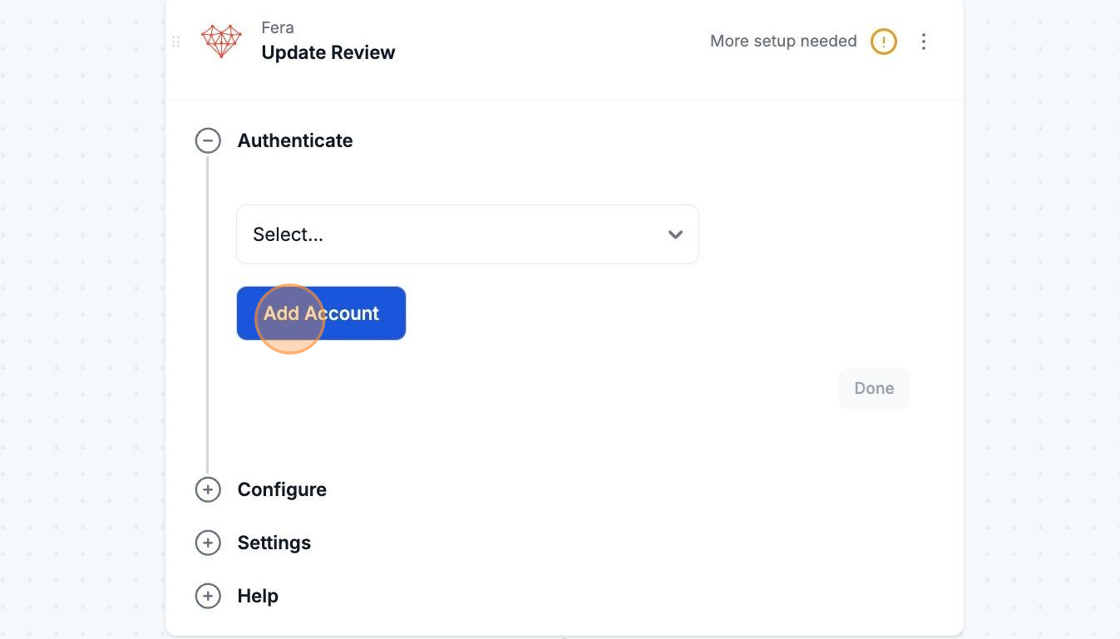
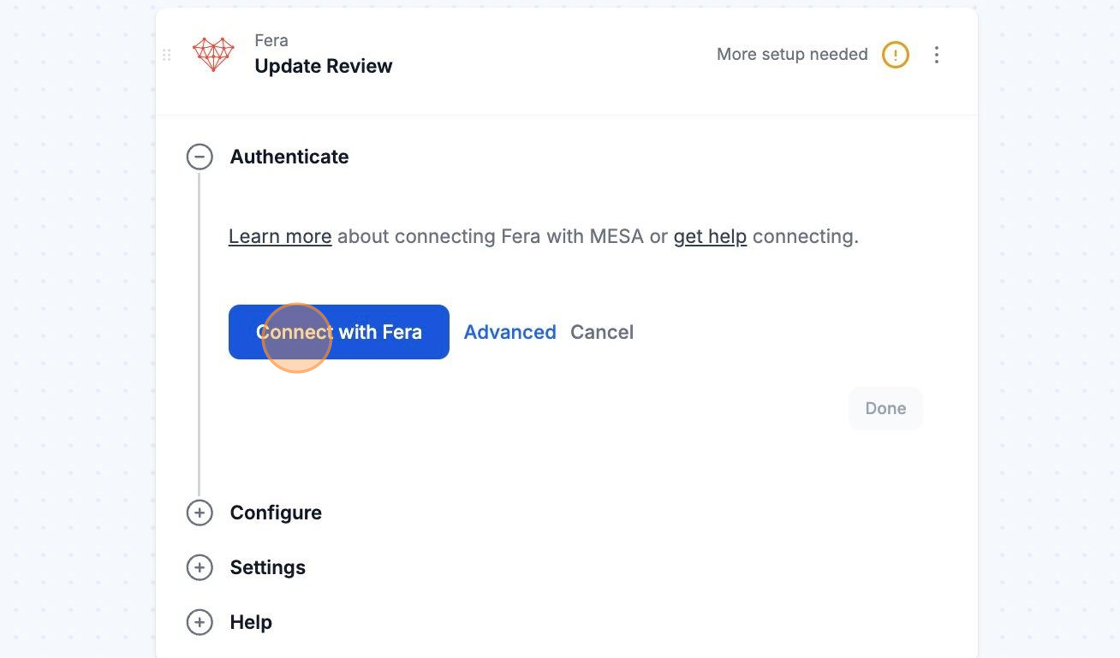
You may be asked to login into your Fera.ai account if not already logged in. Please make sure to login into your Fera.ai account before clicking on Connect with Fera. Once logged in, you can continue with the connecting process.
Afterwards, you will be brought back to your current workflow and you are all set! MESA is now connected with your Fera.ai account.