
Typeform
Click Connect with Typeform and accept the required scopes so MESA workflows can start from new Typeform form responses.
Connection
Section titled “Connection”When you’re setting up your first workflow with Typeform, you will need to create a Connection in order to connect MESA with Typeform.
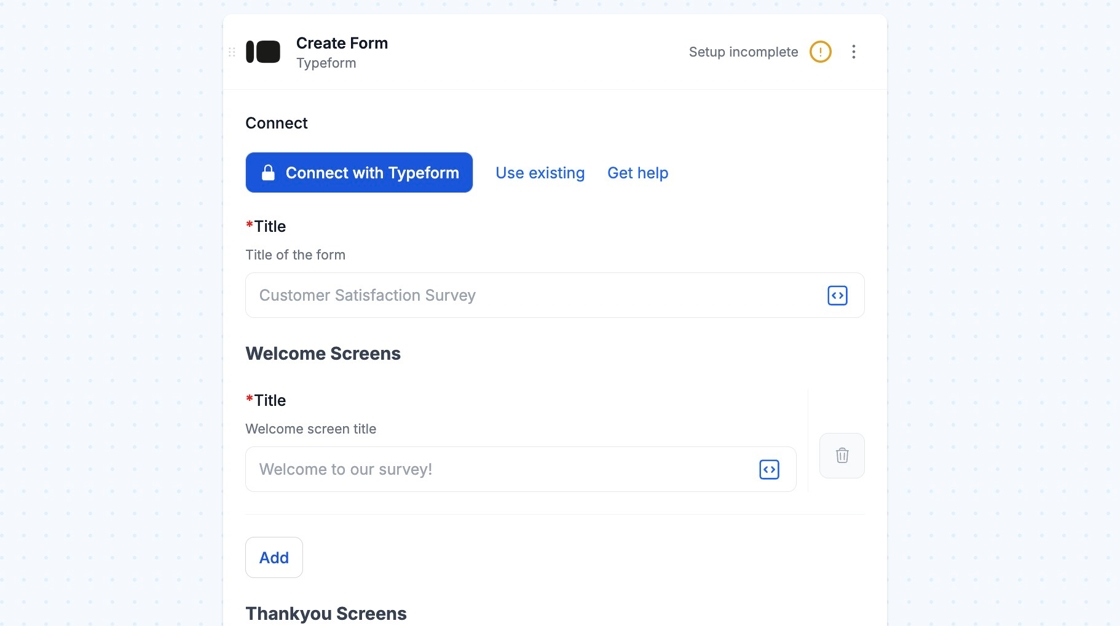
To create your connection, click the Connect with Typeform button to login to your Typeform account and accept the required scopes.
Once the necessary scopes are accepted, you will see your workflow update with your new Typeform connection.
Technical Notes
Section titled “Technical Notes”- In order to have variables available, you will need to have the Typeform published.