
Square
Connect Square to MESA by signing in with your Square account, and read the technical notes on syncing orders, products and inventory.
Connection
Section titled “Connection”When you set up your first workflow with Square, you will need to create a connection to connect MESA with Square.
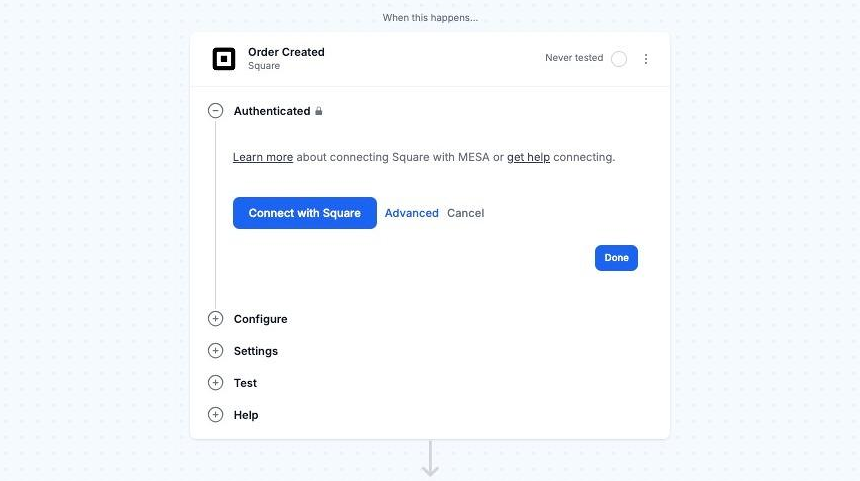
To link your Square account, click Connect with Square and enter your login details.
Technical Notes
Section titled “Technical Notes”While our Square integration has extensive possibilities to achieve your workflow goals, there are a few important things to be aware of.
- Our integration does not allow you to use Square as a third-party payment provider in Shopify.
- Square orders cannot be automatically created in Shopify and linked with the original Square order when placed via Square. Vice versa, Shopify orders cannot be automatically created in Square and linked with the original Shopify order when placed via Shopify. Limitations between both services and their APIs prevent this currently.
In this section
Updating InventoryChoose between Square's physical count, adjustment and transfer inventory update types when updating stock from a MESA workflow.
Frequently Asked QuestionsGet answers about MESA's Square integration, including why it cannot add Square as a payment processor for your Shopify store.