
QuickBooks
Sign in with QuickBooks to connect it to MESA, and read the technical notes before syncing orders and invoices to your books.
Connection
Section titled “Connection”When you’re setting up your first workflow with QuickBooks, you’ll need to connect MESA with QuickBooks.
Click on the Sign in with QuickBooks button.
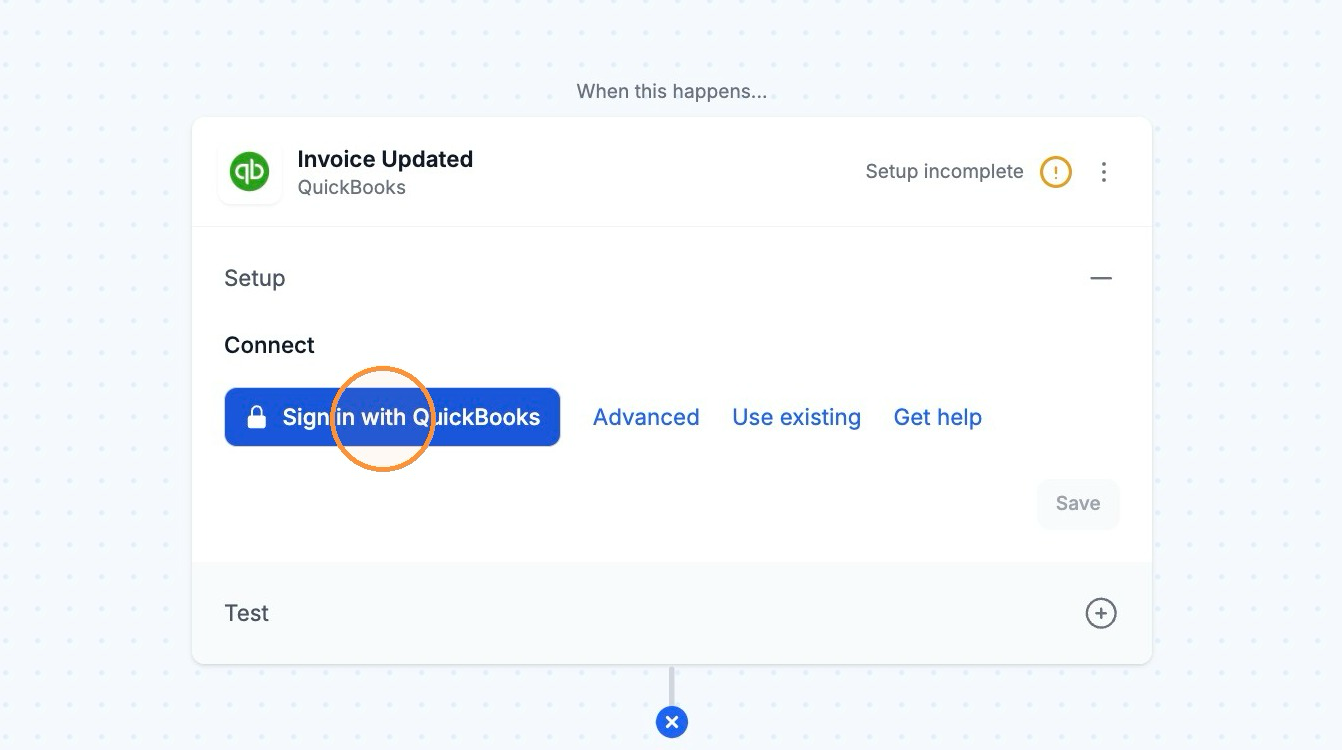
Afterward, you can re-use the newly created connection and select it for your future workflows!
Technical Notes
Section titled “Technical Notes”- At this time, the QuickBooks connector only supports QuickBooks Online. We are not able to support QuickBooks Desktop because it does not have an API.